Keep the original, understand the copy, share with care

Records & Privacy

Organize portal downloads, preserve file versions, review screenshots, and ask informed privacy questions before connecting an app.

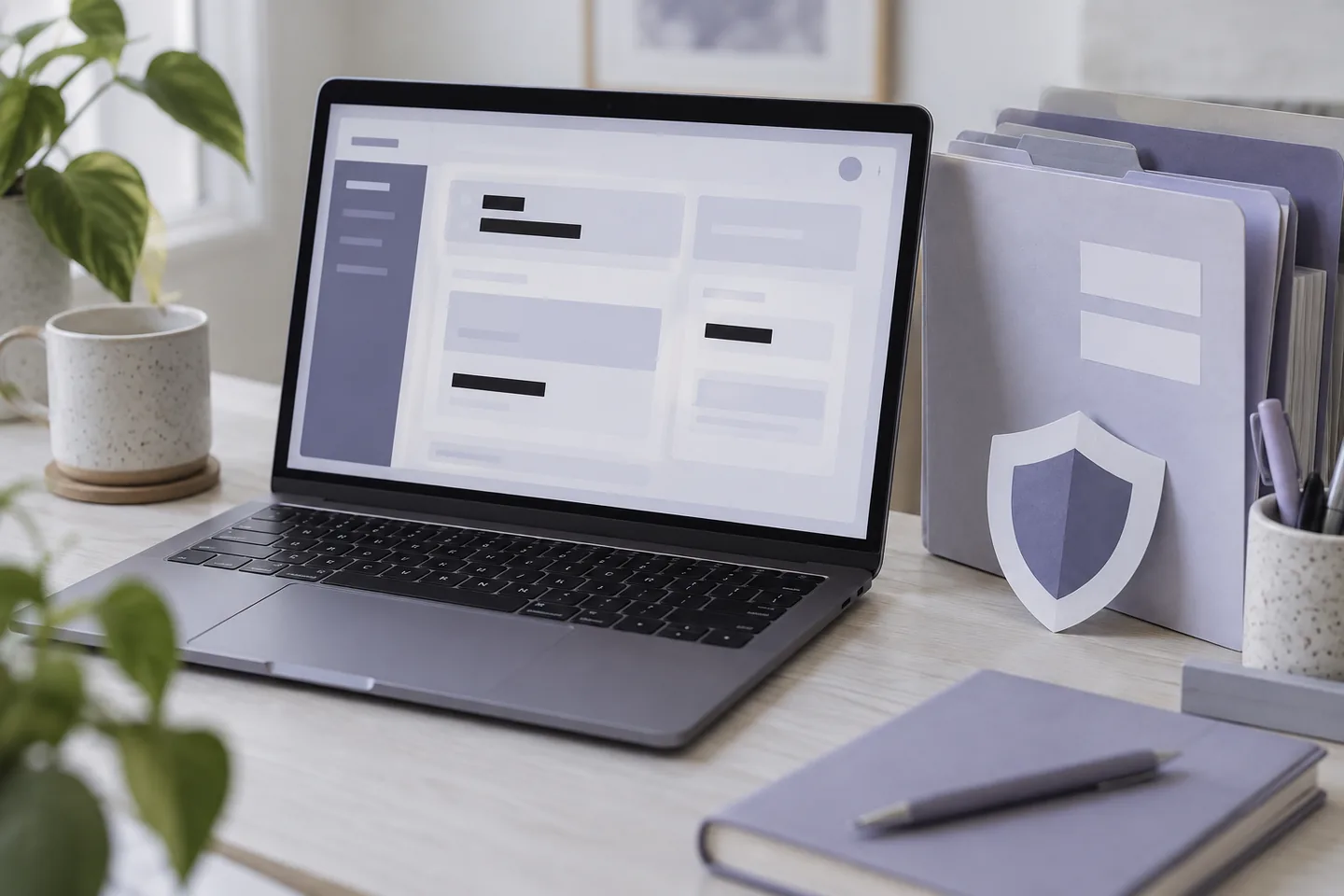
Laptop with a generic redacted portal screen beside document folders

The reading approach

A health record can move from a patient portal to a downloads folder, a phone, a cloud account, a messaging app, or a third-party service in only a few steps. Each copy can have a different filename, format, level of detail, and privacy context. A simple organizing routine makes it easier to preserve the original document and understand which version was shared, without changing the medical information inside it.

This section covers four practical reading and handling tasks: deciding what to keep from a portal download, reviewing visible and hidden identifiers before sharing a screenshot, examining an app's permissions and privacy statements before connecting records, and using version names that do not overwrite the source file. Redaction deserves special care. Cropping a screen is not a guarantee of anonymity because names, identifiers, barcodes, QR codes, filenames, and metadata can remain.

A1C Avenue does not accept uploads, connect to portals, or collect personal health files. The examples use fictional filenames and blank interface blocks. The right privacy choice depends on the actual provider, app, device, destination, and applicable law. Read current policies and ask the responsible organization when an important detail is unclear. A saved copy should remain understandable without exposing more information than its purpose requires.

Examples teach structure, not personal interpretation.
Educational example
original-report.pdfPreserve the source copy.
working-copy.pdfKeep edits separate.
shared-copy.pdfReview identifiers and destination.
4 EXPLAINERS

Choose the question in front of you

Each article answers one reading question with a fresh worked example, explicit limits, and links to the evidence used.

17Records & Privacy

Downloading Lab Reports From a Patient Portal: What to Keep

Learn which parts of a patient-portal lab report are worth preserving, how to keep the original file, and how to record enough context for a useful comparison later.

Read the explainer
18Records & Privacy

Removing Personal Details Before Sharing a Health Screenshot

Use a cautious review to reduce personal information in a health screenshot while recognizing that cropping or covering a name does not guarantee anonymity.

Read the explainer
19Records & Privacy

Questions to Ask Before Connecting a Glucose App to Your Records

Review data scope, privacy terms, account controls, sharing practices, and exit options before authorizing a glucose app to access health records.

Read the explainer
20Records & Privacy

Keeping Versions of Health Records Without Losing the Original

Build a simple version system that preserves original health-record downloads, separates working copies, and makes amended reports easier to identify.

Read the explainer
Laptop with a generic redacted portal screen beside document folders

Keep moving

Turn the skill into a route.

Learning Routes connect document fields, examples, source checks, and limits in a guided sequence.

Browse Learning Routes